GoodWeighFinds is for general information only and is not medical advice. Readers should talk with a qualified healthcare professional before starting weight-loss products, supplements, diets, or exercise changes.
Buying guide
Best No-App Step Counters for Simple Walking Habits
A no-app step counter can be useful when you want a simple walking prompt without accounts, phone notifications, calorie dashboards, or wearable-device pressure. The goal is not to prove weight loss. It is to choose a low-friction tool that helps you notice walking without turning the routine into another app to manage.
Who this guide is for
This guide is for adults who want step awareness without creating an account, syncing health data, carrying a phone, or using a smartwatch. It is not an exercise prescription, and it does not rank devices by promised calorie burn or body results.
If you are open to watches, phone trackers, and broader movement reminders, start with the broader step-counter guide. For non-shaming tracking decisions beyond walking, the non-shaming habit tracking guide explains how to compare trackers, journals, scales, and reminders without letting numbers take over.
What counts as a no-app step counter?
For this page, a no-app step counter means a basic pedometer or simple counter that can show steps on the device itself without a required phone app, login, subscription, Bluetooth pairing, or cloud account. Some listings use "no app" loosely, so check the product details before assuming the device works offline.
- Best for privacy-first readers: A simple display-only pedometer keeps the comparison narrower because it does not need to upload health or location data.
- Best for app fatigue: A device with one screen and a few buttons can be calmer than a watch or phone app with streaks, badges, and reminders.
- Best for pocket or waistband use: Clip-on and lanyard styles can work when a wrist device is uncomfortable, distracting, or impractical.
- Not best for every activity: Basic counters may miss cycling, strength training, assisted movement, pushing a stroller, or activities where the device does not move predictably.
Selection criteria that matter
No-app step counters are usually inexpensive, but the wrong one can still become clutter. Compare the practical details before buying.
- No-account operation: Confirm the counter can be set up, reset, and read without a phone, QR code, app store download, or email login.
- Display readability: Look for large digits, strong contrast, and a screen you can read outdoors, indoors, and while holding the device at a comfortable distance.
- Battery type: Check whether it uses a coin cell, AAA battery, rechargeable battery, or sealed battery. Battery access should be clear and realistic for your household.
- Clip, pocket, or lanyard fit: Match the carry style to your clothes, mobility needs, and walking routine. A counter that falls off or stays in a bag will not be very helpful.
- Reset controls: Decide whether you want a manual reset button, automatic daily reset, or memory feature. Accidental resets can be frustrating if you care about a full-day total.
- Simple memory: Some counters store a few days of totals. That can be useful, but it should not require an app or turn into pressure to maintain streaks.
- Return policy: Step counters can feel different in real use. A clear return window matters more than dramatic listing claims.
Accuracy claims need caution
A consumer step counter estimates movement. It does not measure fitness, diagnose health, verify calorie burn, or prove that a weight-loss routine is working. Basic pedometers can overcount bouncing, undercount slow walking, miss certain gait patterns, or change results depending on where they are worn.
Treat "high accuracy" as a product claim to inspect, not a guarantee. If a listing connects the counter to fat loss, metabolism, appetite control, transformation, or a specific calorie-burn outcome, the claim is doing more than the device can support.
Privacy and accessibility checks
The privacy advantage of a no-app counter is that it can keep the data on the device or in your own notes. Still, read the listing carefully. If setup requires Bluetooth, an app, a website account, or location permission, it may not fit a no-app goal.
Accessibility matters too. Consider button size, screen contrast, clip strength, lanyard comfort, whether the device can be opened for battery changes, and whether the display can be read without awkward bending. A basic counter should reduce friction, not add a small daily struggle.
Who should skip a no-app counter
Skip the purchase if step numbers make you anxious, push you to ignore pain or rest, or turn walking into a daily pass-fail test. Also skip it if a product page is selling the counter as a fat-loss shortcut, a calorie-burning proof system, or a replacement for qualified health guidance.
If walking causes chest pain, dizziness, falls, wounds, new or worsening foot pain, shortness of breath beyond your usual experience, or symptoms that concern you, stop and talk with a qualified healthcare professional. A step counter is not the right tool for sorting out medical symptoms.
Comparison framework
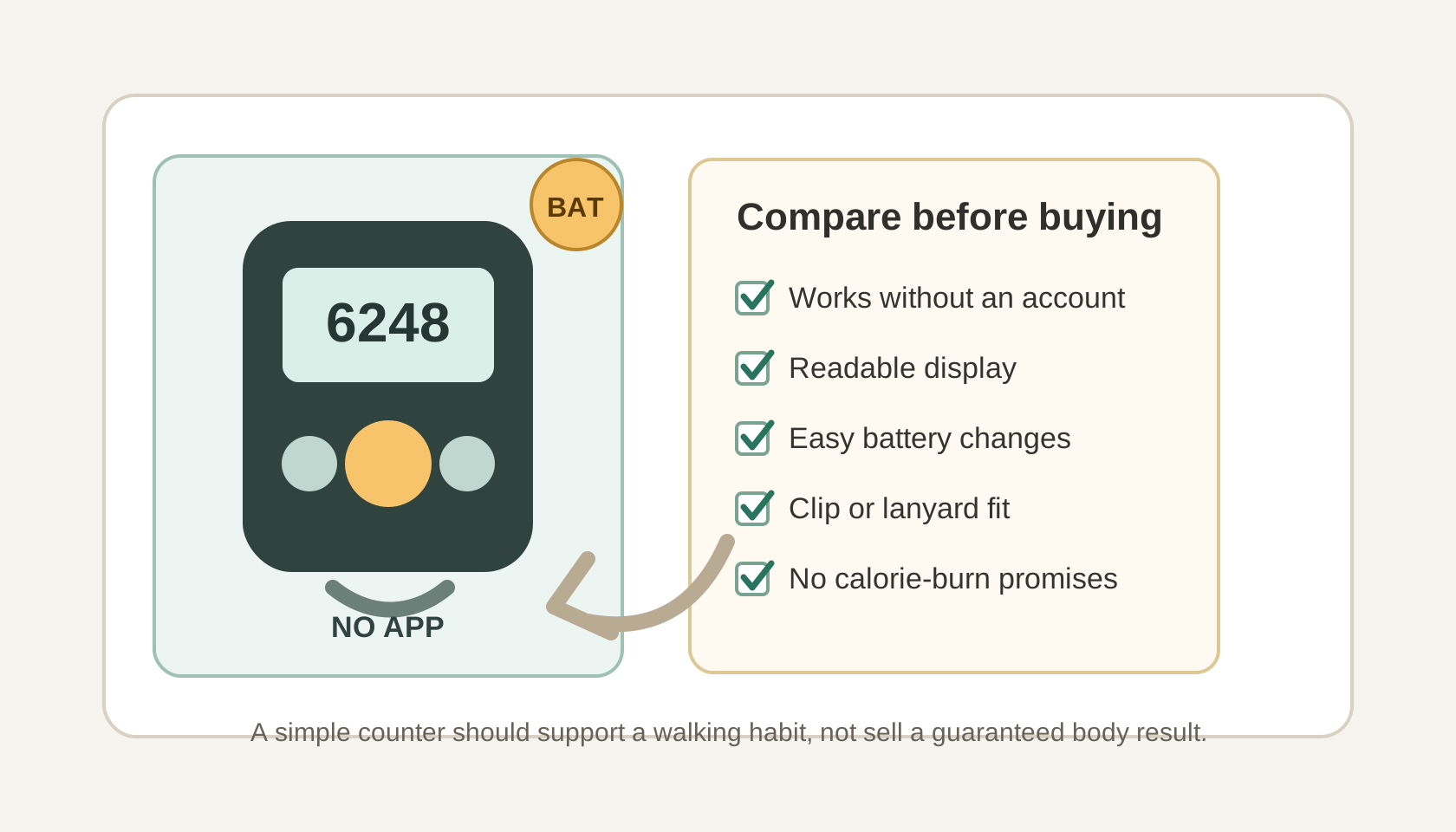
Use this quick framework: first confirm the counter truly works without an app. Then compare display readability, battery access, carry style, reset behavior, basic memory, and return policy. Finally, read the listing for unsupported claims. A good no-app counter should make walking easier to notice, not make a promise about your body.
Bottom line
The best no-app step counter is simple, readable, private, and easy to carry. Choose one when it supports a calmer walking routine. Walk away from any option that relies on shame, calorie-burn certainty, medical-sounding claims, or guaranteed weight-loss language.