App-free routine-support buying guide
Best Simple Interval Timers for Walking-Break Reminders
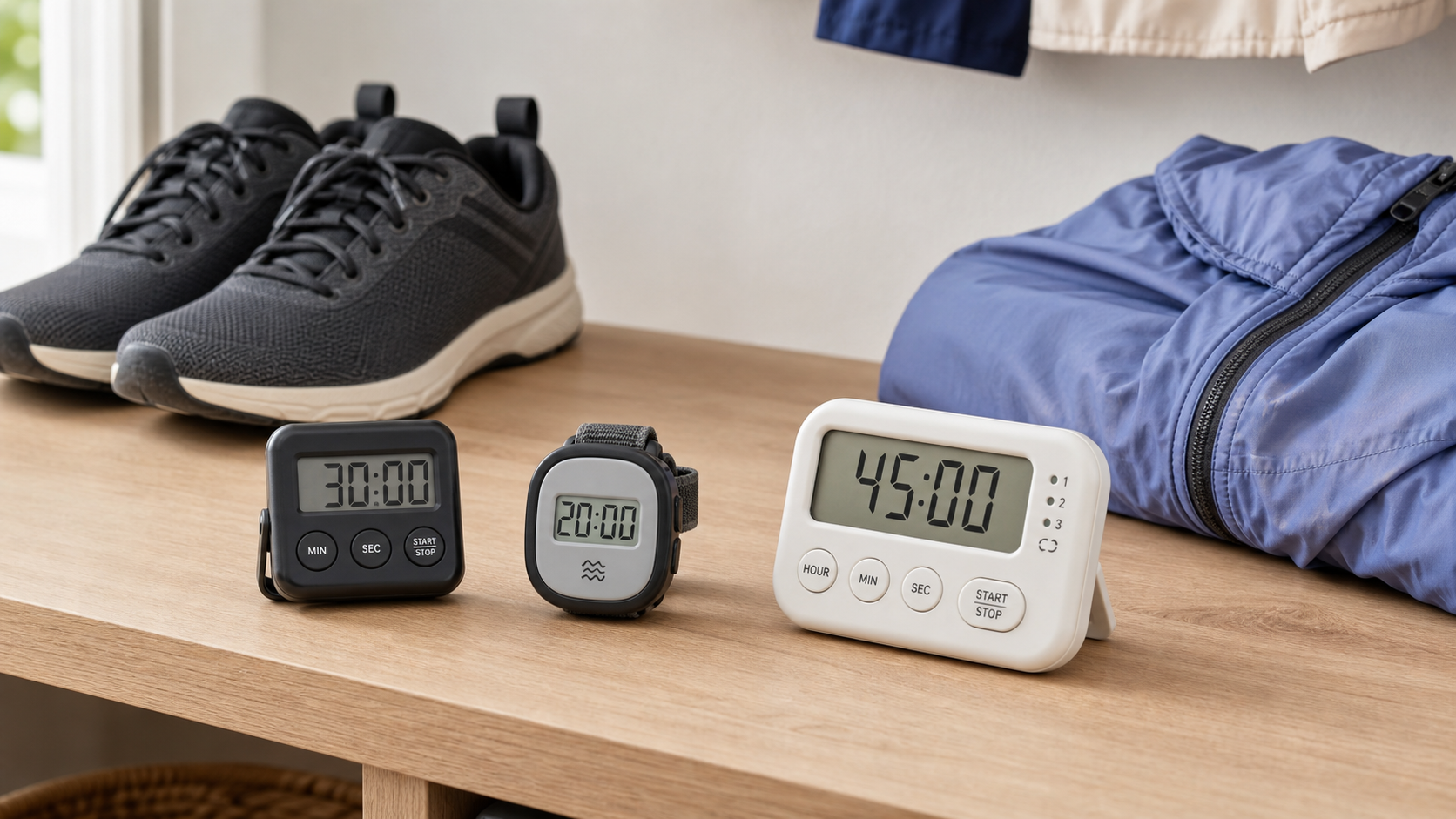
A standalone interval timer can provide a simple prompt to pause, stand, or take the kind of walking break you already chose—without an account, calorie estimate, distance target, or streak dashboard. The useful difference is whether it repeats predictably, alerts you appropriately, and stays easy to operate.
As an Amazon Associate, GoodWeighFinds earns from qualifying purchases.
Who this guide is for
This guide is for adults who have already decided when a walking or movement reminder fits their day and want a dedicated prompt without phone notifications or fitness tracking. It compares timer functions, not exercise schedules, medical needs, or weight-loss outcomes.
For a broader look at app-free and low-pressure tracking formats, use the non-shaming habit-tracking pillar. If counting steps would be more useful than timed prompts, compare no-app step counters. For cooking rather than walking reminders, use the separate kitchen timer guide.
Best-fit formats, not unsupported rankings
- Best fit for a quiet workplace: A wearable or pocket timer with a vibration-only mode that can be confirmed before the break starts.
- Best fit for simple repeating prompts: A timer that automatically restarts the same interval without requiring a button press after every alert.
- Best fit for alternating blocks: A model with two clearly labeled intervals and an understandable repeat sequence.
- Best fit for walking away from a desk: A compact timer with a secure clip or lanyard point and controls that resist accidental presses.
- Best fit for accessibility: The simplest model with the alert, display contrast, button separation, and setting sequence the user can reliably perceive and operate.
Selection criteria that matter
- Repeat behavior: Confirm whether the timer repeats automatically, how many cycles it supports, and what happens after the final cycle. “Interval timer” does not always mean continuous repeating reminders.
- Interval range: Check the shortest and longest setting and whether two intervals may be equal. Choose only after deciding what prompt schedule you want; a product listing should not decide it for you.
- Vibration and sound: Verify whether vibration can operate without sound, whether volume is adjustable, and whether alert settings remain saved after shutdown.
- Setup friction: Count the presses needed to set, start, pause, resume, stop, and change a sequence. Memory is helpful only when its behavior is clear.
- Display and controls: Compare digit size, contrast, backlight, viewing angle, button labels, spacing, and accidental-reset risk.
- Carry method: Check clip opening, rotation, lanyard attachment, dimensions, and weight. A listing photo does not establish that a clip will hold a particular waistband or pocket.
- Power: Compare replaceable versus rechargeable batteries, charging connection, low-battery signal, charge-time claims, and whether saved settings survive a battery change.
- Water-resistance wording: Treat “sweatproof” or “water resistant” as claims to verify against a stated rating and instructions. Do not assume a timer can be submerged, worn in heavy rain, or rinsed.
- Privacy: A truly standalone timer should not require an account, app, Bluetooth connection, location permission, or cloud service for its core function.
- Return terms: Vibration strength, alert tone, clip comfort, and control accessibility can be difficult to judge from a listing, so a practical return window matters.
A practical comparison framework
Write down the answers for each candidate before buying:
- Does the manual show automatic repeating cycles, and can repetition be turned off?
- Can sound and vibration be controlled independently?
- Are the full interval range and maximum cycle count stated?
- Can the timer be paused and resumed without losing the sequence?
- Is the current interval understandable from the display or alert pattern?
- Will the clip or lanyard fit the clothing or bag you actually use?
- Are the battery, charging, cleaning, and water-exposure instructions available?
- Does the core timer work without an app, account, or personal data?
- Would a timer you already own solve the same prompt problem?
What a timer cannot establish
A timer can announce elapsed time. It cannot determine whether a specific walking schedule is appropriate, measure fitness, verify calories burned, prevent prolonged sitting by itself, or produce weight loss. Avoid listings that turn a basic reminder into a guaranteed body or health result.
Choose your own optional prompt schedule based on your circumstances rather than copying an interval printed in marketing copy. If pain, dizziness, balance concerns, recovery instructions, or a health condition affects when or how you move, a generic product timer is not the right source of guidance.
Who should skip this purchase
Skip a dedicated interval timer if a watch, phone, computer, kitchen timer, or calendar reminder already provides the prompt you need without unwanted tracking. Skip a wearable model if the clip, vibration, or skin contact would be distracting. Skip repeating alerts if they create stress, disrupt focused work, or encourage rigid all-or-nothing tracking.
Also skip any model whose repeat sequence, alert settings, water limits, or battery instructions cannot be established before purchase. A simpler one-shot timer may be the better tool when you need only an occasional prompt.
Bottom line
The strongest standalone interval timer is the simplest one that repeats in the way you expect, offers an appropriate alert, travels securely, and works without collecting personal data. Compare the manual and exact model—not just the listing headline—and treat it as a reminder tool rather than a fitness or weight-loss device.